

- Market / location
- Inkjetwell material and geometry sampling
- Product / substrate
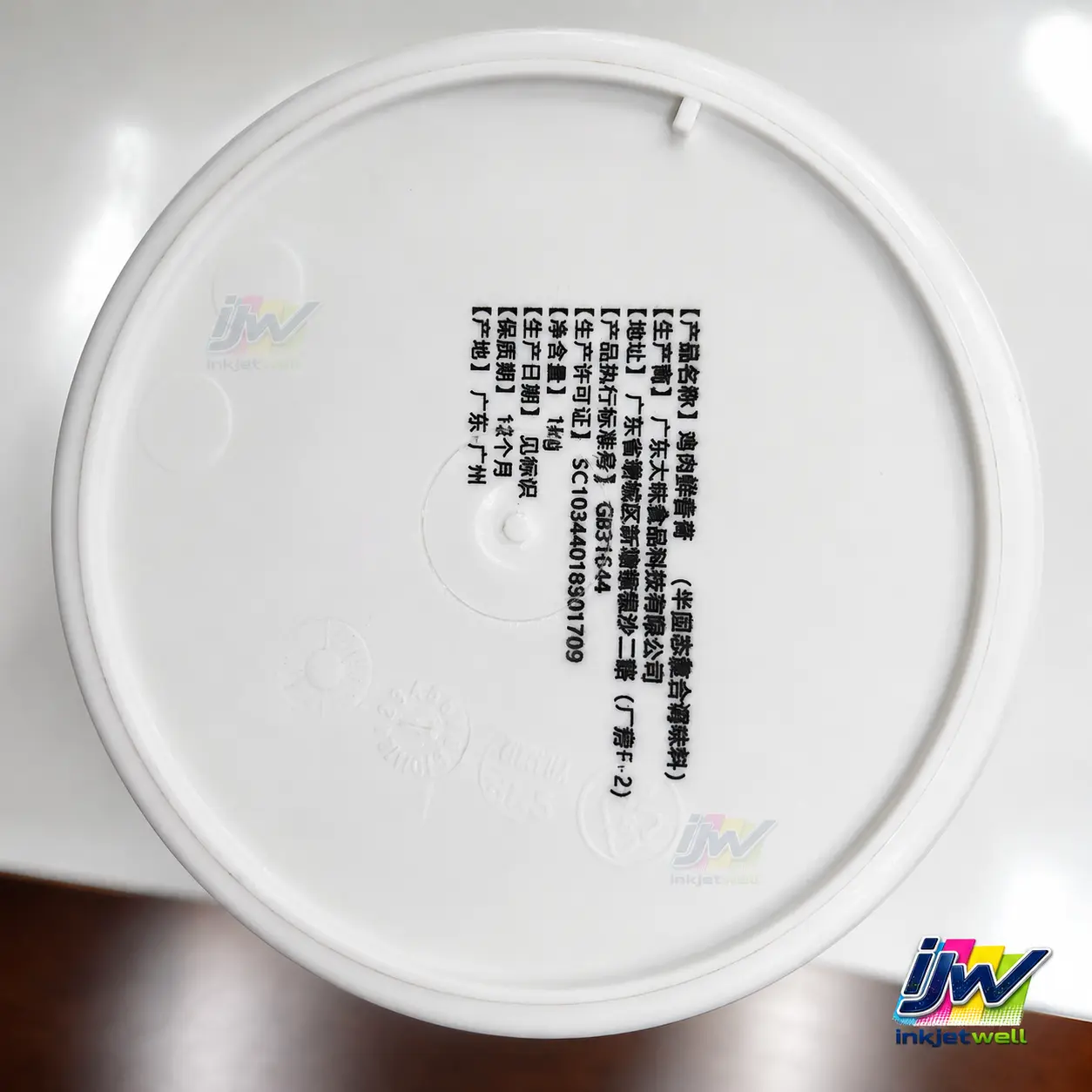
- Clear, white and dark molded plastic lids, caps and container surfaces
- Verified result
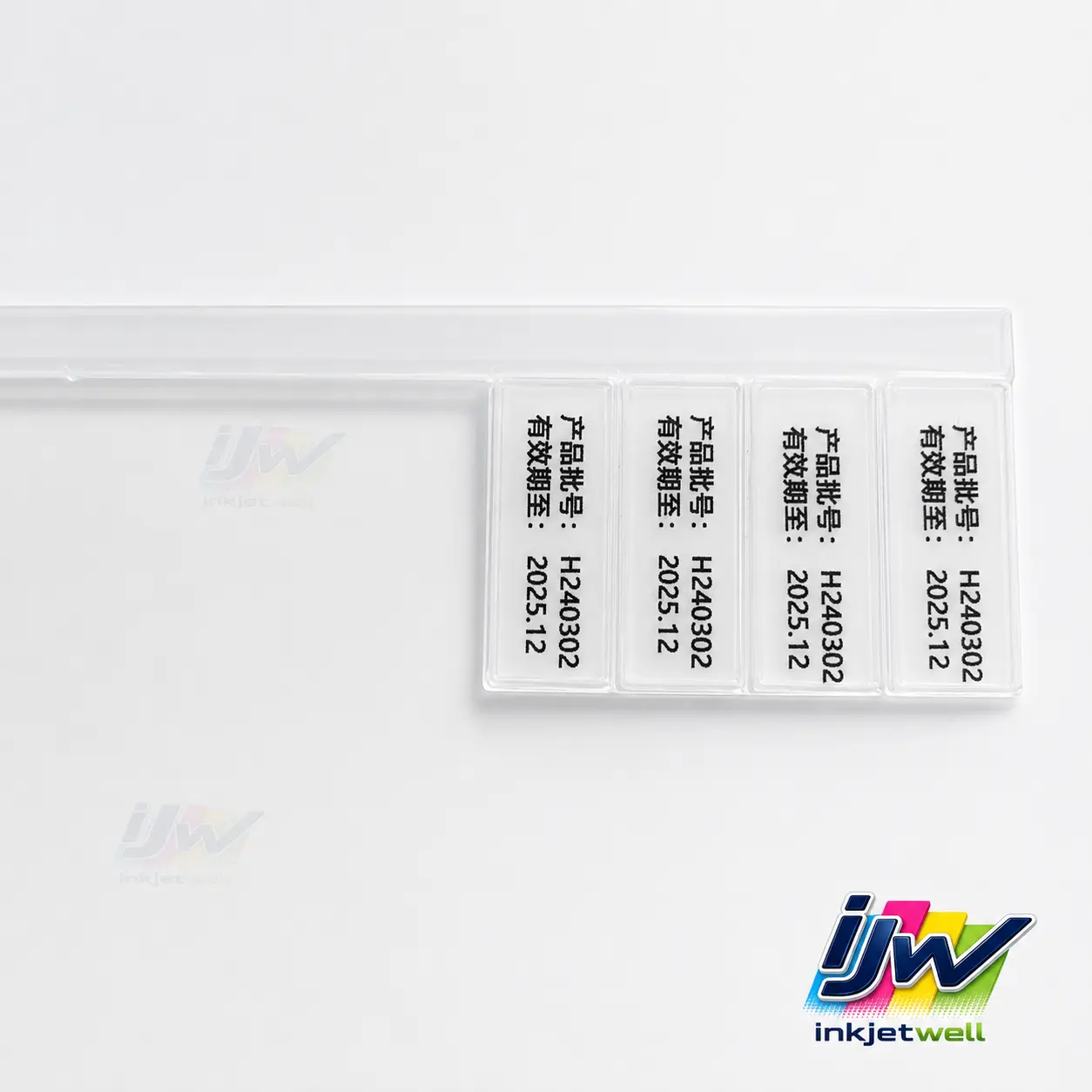
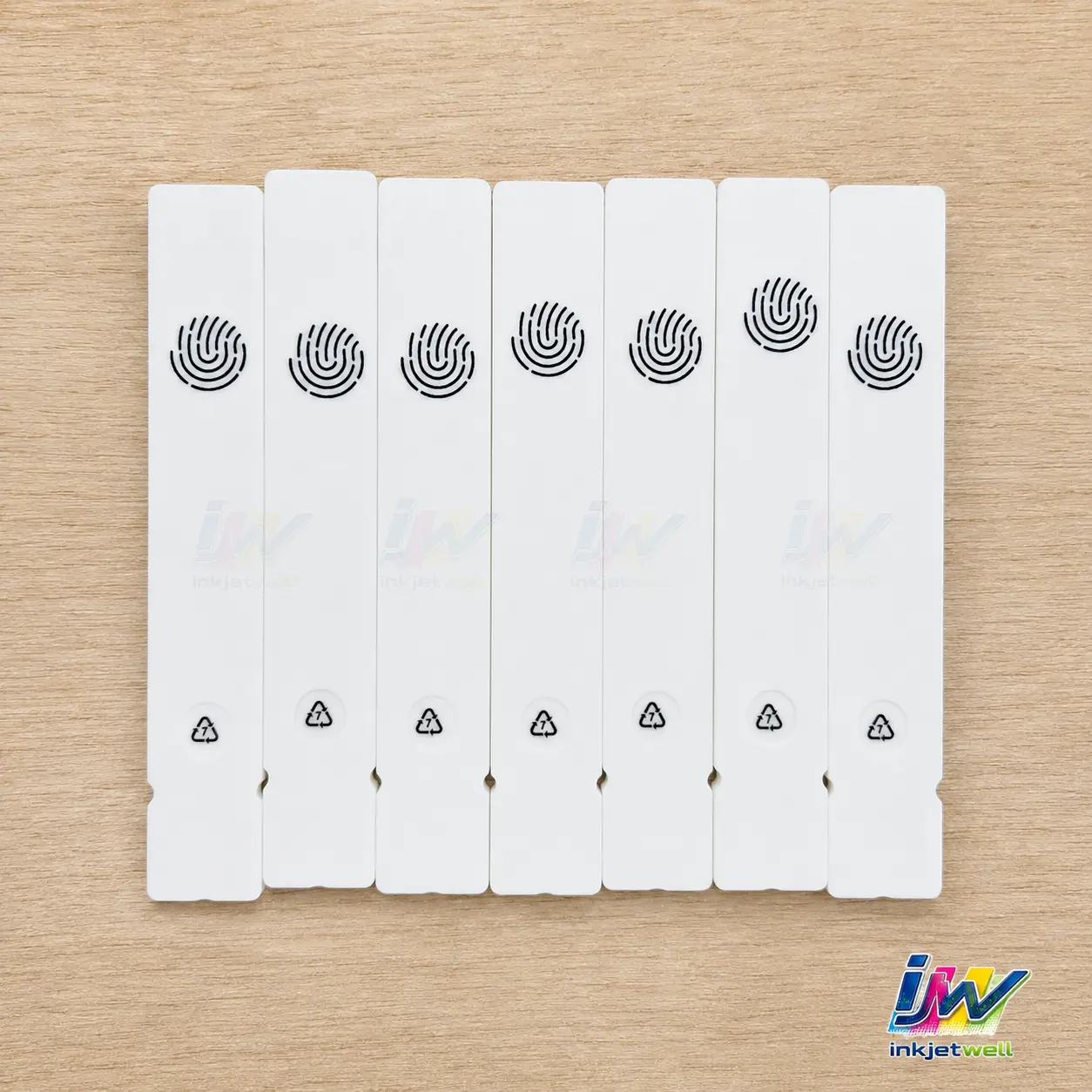
- Five close-up samples confirm red, black and white code/text output across several molded plastic forms. Production speed and polymer-specific durability are not claimed from photographs.
Direct answer
UV inkjet can add a unique promotional QR code, batch number, expiry information or compact logo to an approved exterior area of a plastic lid, cap or container. The sample set is intentionally broad: it demonstrates contrast options and print-area control, while leaving the final polymer and production configuration to project testing.
Documented application evidence
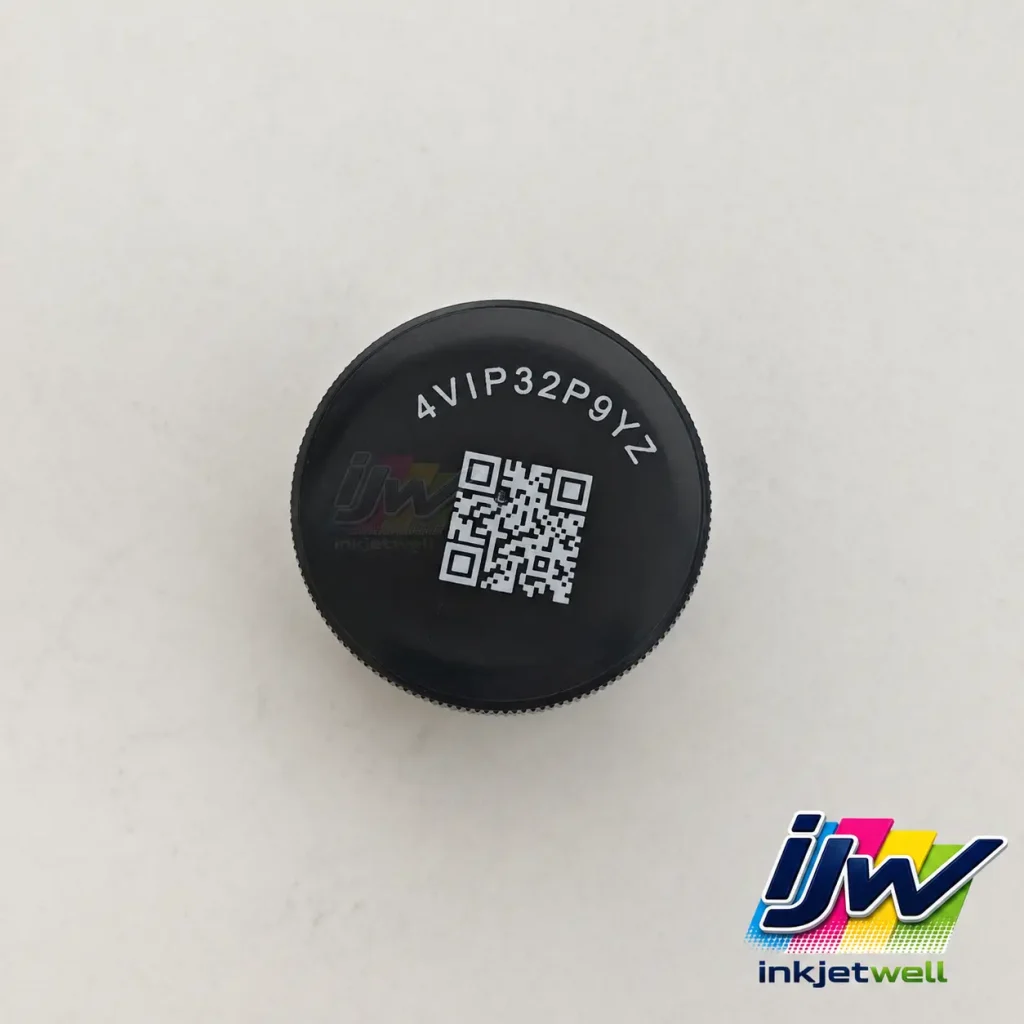
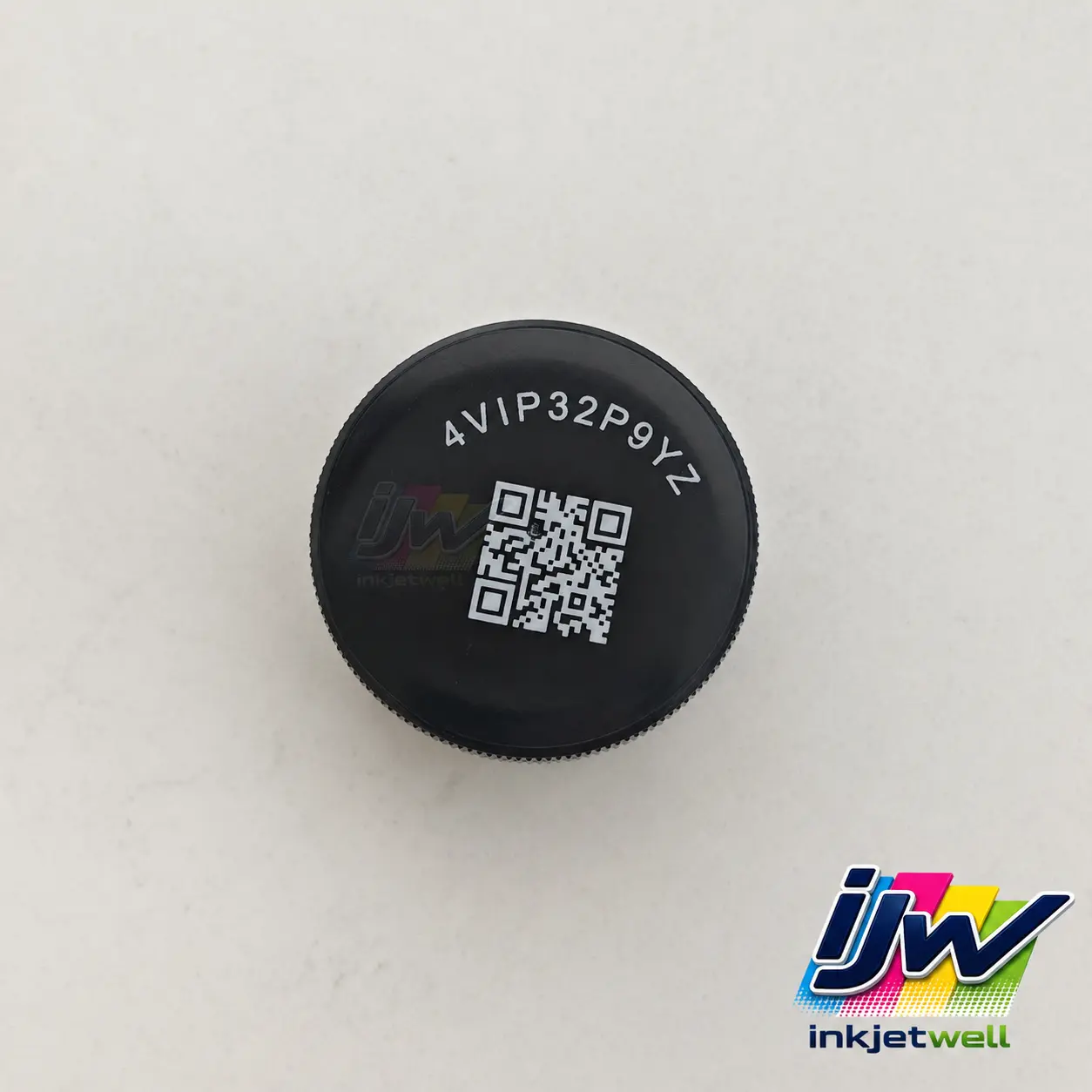
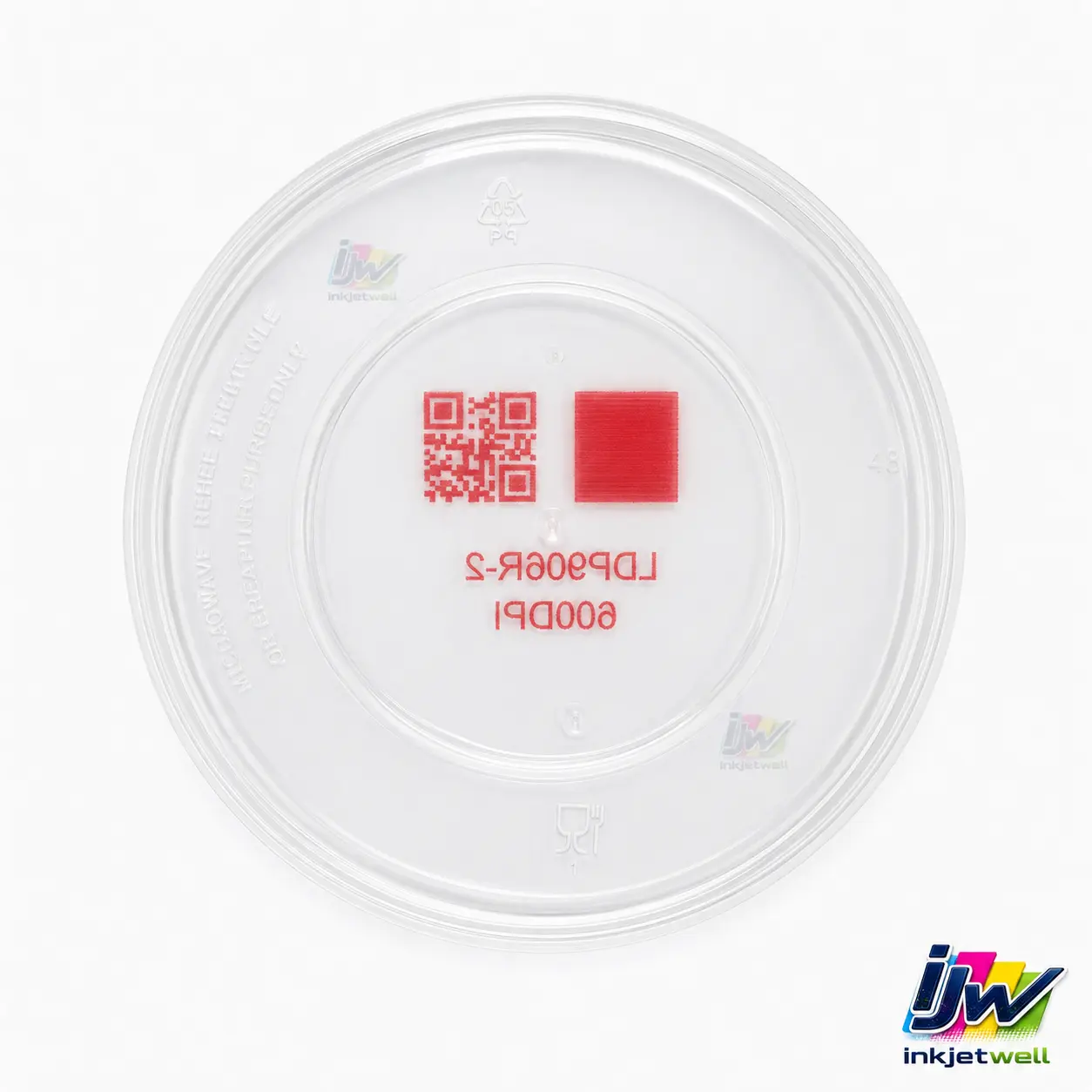
The dark cap shows a compact white QR code and alphanumeric identifier. The transparent lid shows a red QR, test patch and text; the white lid shows dense black product information; additional samples show repeated batch/expiry fields and small black icons.
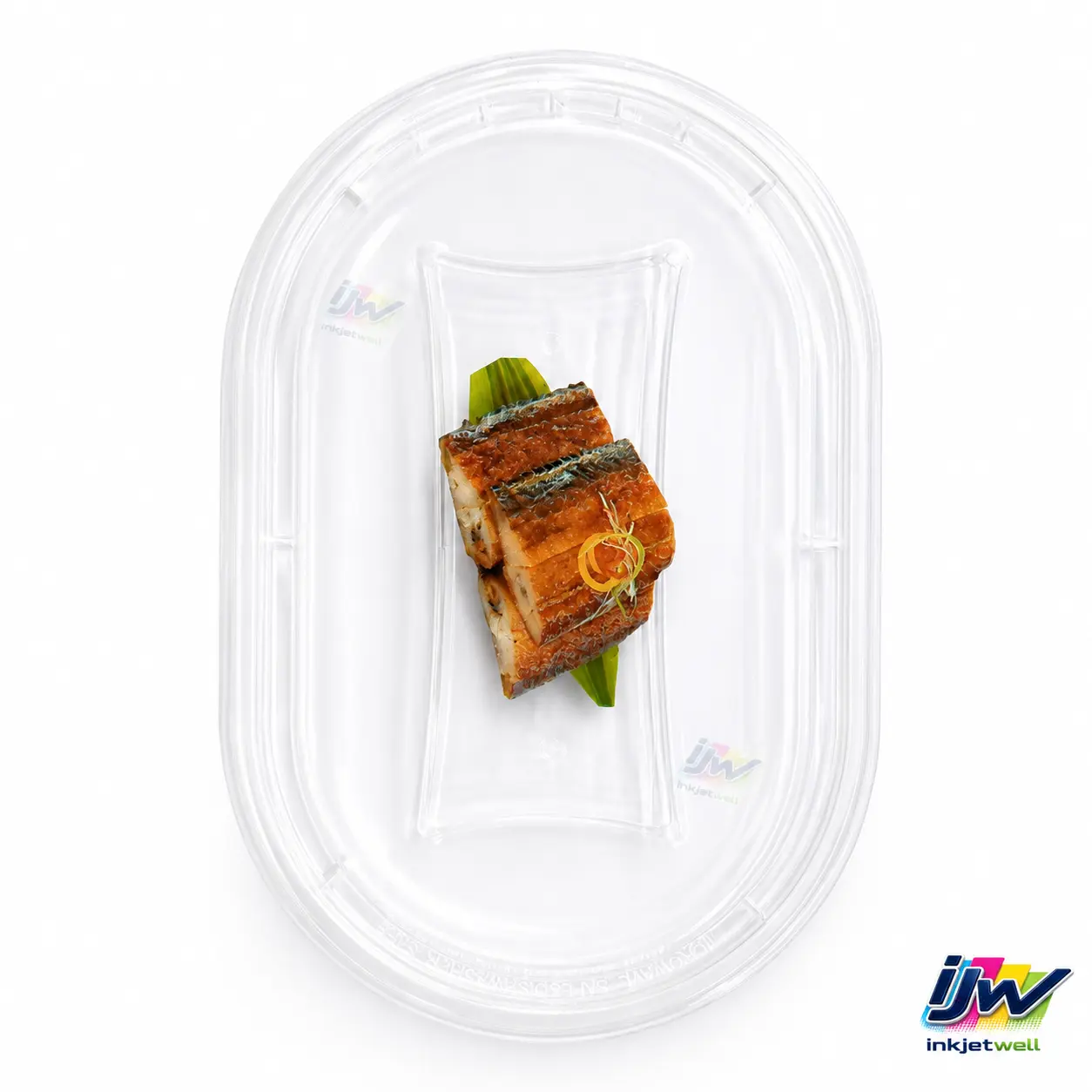
The clear food-container image documents the target geometry but does not show a finished code. It is included to explain fixture, print-side and packaging-safety decisions, not to imply a result that is absent from the image.
Application overview
| Products | Caps, lids, trays and small molded packaging parts |
|---|---|
| Ink contrast | Black on light surfaces, white on dark surfaces, selected colors for approved designs |
| Data | Unique QR, batch, expiry, serial, text and icons |
| Geometry | Flat or shallow molded print zones |
| Handling | Pockets, fixtures or guided conveyor |
| Evidence | Six close-up application images |
Customer requirement and production challenge
Small round parts can spin, and recessed centers may sit below molded ribs. Transparent material can also be scanned against changing backgrounds, while dark plastic requires an opaque contrast layer.
Food and beverage packaging introduces an approval boundary: the customer must define exterior versus contact surfaces and ensure that the chosen ink and process comply with its packaging requirements.
Inkjetwell integration approach
The production concept starts with a stable presentation method. Pockets or side guides control orientation, a sensor identifies each part and indexed or encoded movement keeps the image in the approved zone.
Sample testing compares ink color, pretreatment and UV energy. Code evaluation uses the buyer's real viewing side, lighting and scanner, not a clean digital artwork preview.
How buyers can use this evidence
Select the sample closest to your required contrast, but do not select a system from color alone. Provide the actual cap or lid, its drawing, molding orientation and the line method used to singulate parts. For QR projects, also provide the final data length because payload affects code density. Inkjetwell can then evaluate print-zone clearance, fixture repeatability, white-ink opacity or black/color contrast, cure and scanning under realistic filling-line conditions.
Demonstrated outcome
The samples demonstrate strong contrast on light, dark and clear parts and show that meaningful data can fit within constrained molded areas. They support a configurable application approach rather than a single one-size-fits-all cap machine.
Once an approved recipe exists, the data can change item by item for promotion, traceability or anti-channel-control workflows.
What this case does not claim
Photographs do not establish production throughput, abrasion resistance or food-contact compliance. These require measured project records.
A QR code that photographs well may scan differently after filling, condensation, handling or when viewed through the container.
Production validation checklist
- Identify polymer, colorant, coating and molding release agent.
- Define the legally approved print surface.
- Send minimum and maximum part dimensions.
- Mark the viewing and scanning direction.
- Test adhesion, rub, condensation and relevant chemicals.
- Validate fixtures, code readability and reject handling.
Common buyer questions
Can UV inkjet print a white QR code on a black cap?
The sample demonstrates that contrast approach; final opacity, adhesion and scanner performance must be approved on the production cap.
Can each cap have a different promotional code?
Yes when the database, trigger and part-handling system remain synchronized.
Can it print inside a food lid?
Only after the packaging owner defines the contact status and approves the ink and process for the target market. Exterior printing is generally the safer starting point.
How are round caps kept aligned?
Fixtures, pockets or guided tracks control rotation and height before printing.
Request an application test
Send Inkjetwell the actual production material or parts, final-size artwork, required print position and width, line speed range, product spacing, line photos or video, variable-data format, scanner requirements and required resistance tests. We will use those details to propose the printhead arrangement, transport or retrofit method, sensing, UV curing, data workflow and inspection plan.
Media evidence note: the images and videos on this page document Inkjetwell application samples or production configurations supplied for this case library. Customer identities are withheld unless separately authorized. Visible third-party marks remain the property of their owners and do not imply endorsement.